The first website blacklist removal our team handled belonged to a three-person accounting firm. The red warning screen stayed up for nine days, and in that time their contact form submissions dropped to zero. More than a dozen recoveries later, the pattern never changes. Getting delisted is the mechanical part. Getting trusted again, by Google, by inbox providers, and by the humans who saw that warning with your brand name on it, is the part nobody prepares you for. This guide covers both halves, with timelines from Google's own documentation and real cases where recovery worked, and where it quietly failed.
Quick Answer To get off a blacklist, confirm the listing in Google Search Console or the blocklist's own lookup tool, remove every trace of malware including hidden backdoors, patch the entry point, then request a review. Google security reviews typically take a few days. Real trust returns only after weeks of clean history and honest communication.
First, Know Which Blacklist You Are Actually On
"Blacklisted" is a symptom, not a diagnosis. Four different systems can flag your site, and each has its own removal door. Treating them as one thing is the most common reason recoveries stall.
Browser warnings
Google Safe Browsing
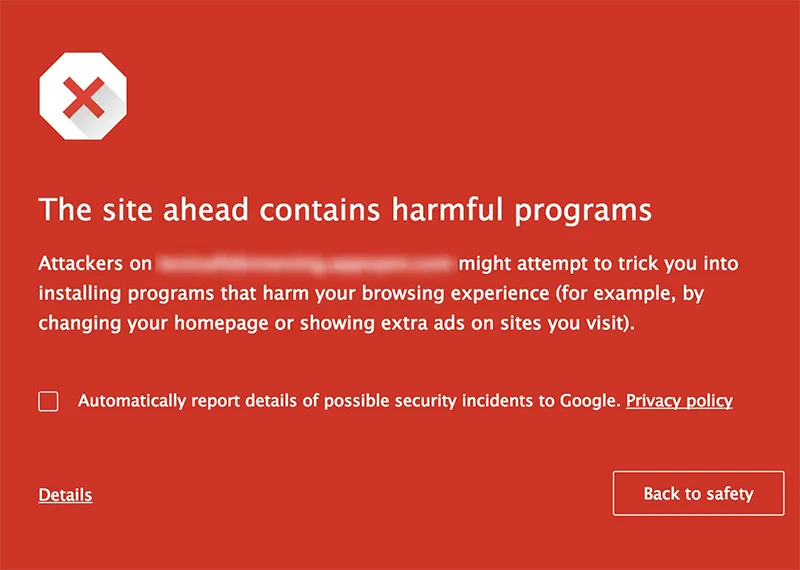
Powers the red interstitials in Chrome, Firefox, and Safari, plus "This site may harm your computer" labels in search results. Managed through the Security Issues report in Search Console.
Email delivery
Email blocklists
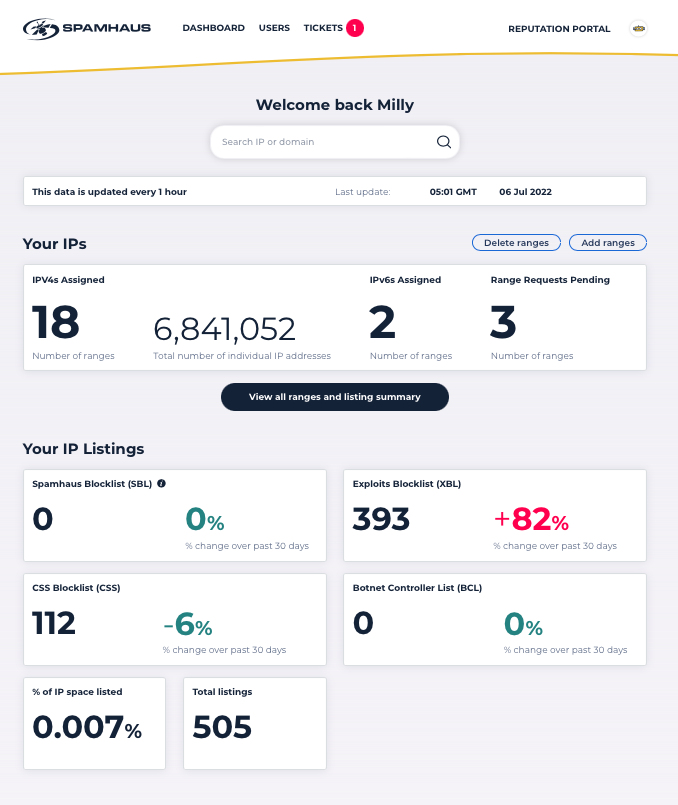
Spamhaus, SpamCop, Barracuda and similar lists do not touch your website at all. They silently send your outgoing mail to spam folders or bounce it outright. Each runs its own lookup and delisting portal.
Security software
Antivirus vendors
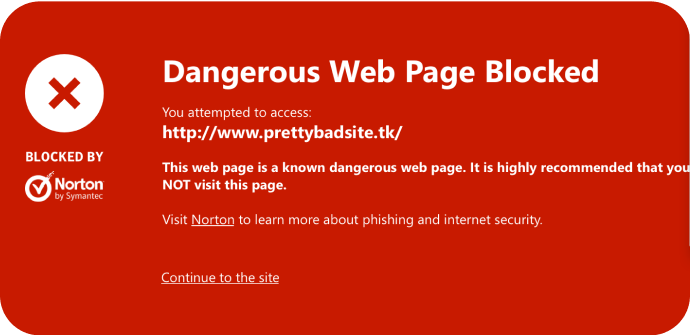
Norton Safe Web, Bitdefender and other desktop suites keep independent reputation databases. Aggregators like VirusTotal show you which engines still flag your domain after Google has cleared it.
Search rankings
Manual actions
A separate Search Console report for spam policy violations. Hacked-content manual actions can coexist with Safe Browsing flags, and each needs its own reconsideration request.
| Where to check each list | ||
| System | What it affects | Where to check |
| Google Safe Browsing | Browser warnings, search labels, collapsed traffic | Search Console Security Issues; Safe Browsing Site Status in Google's Transparency Report |
| Email blocklists | Deliverability of your outgoing mail | MXToolbox blacklist check; Spamhaus Blocklist Removal Center |
| Antivirus databases | Users running security suites or extensions | VirusTotal domain report, then each vendor's dispute form |
| Manual actions | Search rankings and indexing | Search Console Manual Actions report |
Why Delisting Alone Does Not Restore Trust
Removal clears exactly one layer. There are three.
- The list itself. Cleared by a successful review. This is the fastest layer, sometimes under 72 hours.
- The downstream copies. Browsers cache Safe Browsing data, antivirus vendors sync on their own schedules, and corporate firewalls update whenever their admins get around to it. Expect stragglers for days after Google clears you.
- The humans. Anyone who hit a full-page red warning carrying your brand name remembers it. This layer takes weeks of visible normality and, for customer-facing sites, a direct explanation.
Every failed recovery we have seen skipped straight to requesting a review while treating the second and third layers as someone else's problem. Every durable one worked all three in parallel.
Website Blacklist Removal, Step by Step
Confirm and scope the listing
Open the Security Issues report in Search Console. It names the flag type and lists sample infected URLs, which tells you where to start digging. Cross-check the Safe Browsing Site Status page and run the domain through VirusTotal and MXToolbox so you know the full spread before touching anything.
Contain the damage
Put the site into maintenance mode or take the infected sections offline. Yes, this hurts. It hurts less than every extra hour you serve exploit kits to your remaining visitors while you investigate.
Clean everything, not just the symptom
Restoring the one injected file is not a cleanup. Compare the whole filesystem against a known clean backup or fresh core files, check the database for injected content, inspect scheduled tasks, and hunt specifically for backdoor files and rogue admin accounts. Backdoors are how sites end up relisted within a month.
Close the door they came through
Update the CMS, every plugin and theme, and the server stack. Rotate all passwords, API keys, and FTP credentials. If there is any chance private keys or certificates were exposed, revoke and reissue them. Assume the worst here; it is cheaper than being wrong.
Request the review, once, and honestly
In the Security Issues report, select "Request Review" and describe exactly what was infected, what you removed, and what you changed to prevent a repeat. Google reviews manually. Do not resubmit while a request is pending, and do not request a review on a half-cleaned site; failed requests slow down the next one.
Verify propagation and keep watching
After the all-clear, confirm the warning is gone across Chrome, Firefox, and Safari, recheck VirusTotal for vendor stragglers, and file disputes with any antivirus database still flagging you. Then leave monitoring in place, because the first 30 days are when reinfections surface.
Review Timelines You Can Actually Expect
Google's documentation is unusually direct about this, so plan around real numbers instead of forum folklore.
| Published review windows | ||
| Scenario | Timeline | Notes |
| Security review after cleanup | A few days to a few weeks | Google's stated range; straightforward malware flags usually resolve at the fast end |
| Review requested on a still-infected site | Longer each attempt | Premature requests raise turnaround time on the next one |
| Repeat Offender lockout | 30 days, no reviews accepted | Applies to sites that deliberately flip between clean and harmful behavior; genuinely hacked sites are explicitly exempt |
| Email blocklist delisting | Often same day to a few days | Most major lists are self-service once the spam source is genuinely stopped |
| Antivirus vendor databases | Days to weeks | Each vendor syncs on its own schedule; file disputes individually |
Real Recoveries: What Worked and What Backfired
Recovered in about 24 hours
php.net, October 2013
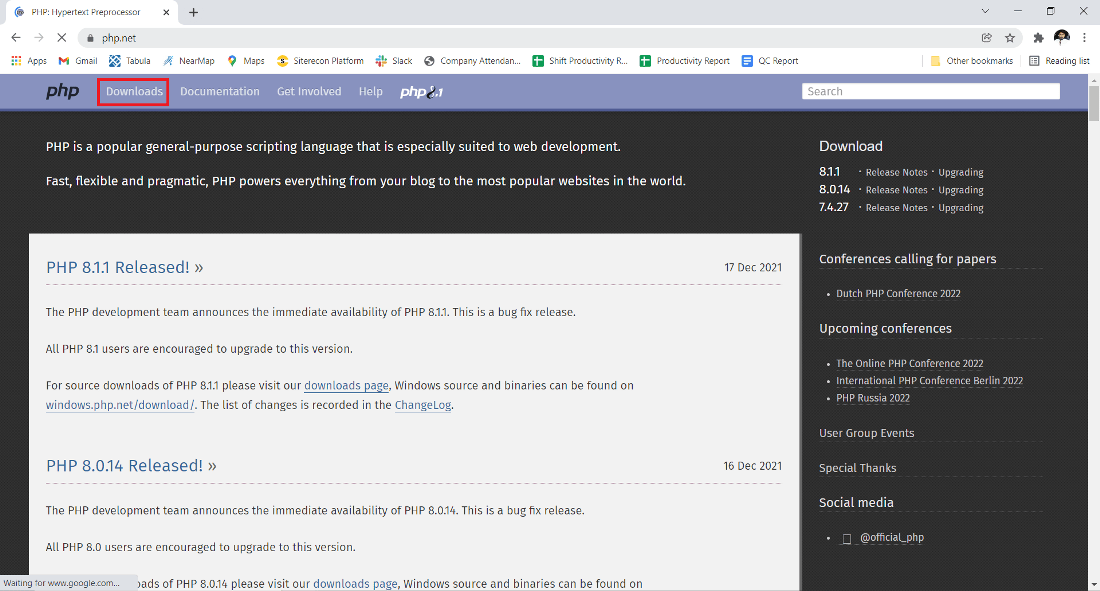
When Safe Browsing flagged php.net, one of the most visited developer sites on the internet, the first public reaction was disbelief. Even the PHP team initially suspected a false positive, because the malicious JavaScript was injected into a single file, userprefs.js, only intermittently. Digging confirmed the worst: two servers were compromised and visitors had been silently redirected to an exploit kit for roughly two days.
What the team did next is the template. They migrated the affected services to clean servers, publicly confirmed the compromise instead of hiding behind the false-positive theory, revoked their SSL certificate because the private key might have been stolen, and forced user password resets. Within about a day, Google's diagnostic page showed zero flagged pages out of 370 scanned, and the warnings came down.
The lesson
Speed came from overreacting on purpose. They treated "might be stolen" as "is stolen," and their public updates meant the security community vouched for the recovery instead of speculating about a cover-up.
Reinfected three times
JamieOliver.com, 2015

The celebrity chef's site was caught serving malware in February 2015, redirecting visitors to the Fiesta exploit kit, which pushed password-stealing malware. It was cleaned. In March, Malwarebytes found a nearly identical infection, noting the structure suggested the original hack was never fully removed. In May it happened a third time, with researchers reporting that backdoors left on the server had enabled each return visit.
The reputational cost compounded with every round. Security researcher Graham Cluley publicly criticized the team for issuing no warning to visitors on the site or its social channels while infections recurred. The team eventually acknowledged the backdoors and brought in external help to end the cycle.
The lesson
Cleaning the visible payload while leaving the attacker's back entrance intact is not a recovery, it is a countdown. And silence during repeat incidents damages trust more than the hack itself.
The data behind recovery
760,935 hijacked sites, measured by Google and UC Berkeley
A 2016 study tracked the full life cycle of 760,935 site hijacking incidents detected between July 2014 and June 2015, and it quantifies exactly what separates fast recoveries from slow ones. Site owners reachable by direct email through Search Console cleaned up 75% of the time. Owners contacted only through WHOIS emails alongside browser and search warnings managed 54.6%. Sites flagged with a search warning alone recovered just 43.4% of the time.
Direct communication also cut infection duration by at least 62%. On the review side, 80% of owners passed their first appeal, while roughly 12% of cleaned sites were compromised again within 30 days.
The lesson
A verified Search Console account, set up before anything goes wrong, is statistically the single strongest predictor of a fast recovery. It is a five-minute job that changes your odds by more than thirty percentage points.
Rebuilding Human Trust After the Warning Comes Down

Your analytics will show the gap clearly: the warning disappears, but traffic and conversions crawl back over weeks. Here is what measurably shortens that curve.
Publish a plain-language notice
Say what happened, what data was or was not at risk, and what you changed. The php.net running updates turned critics into witnesses for the defense. Vague statements read as evasion.
Force resets where it matters
If there is any realistic chance credentials or sessions were exposed, reset them for users proactively. Nobody has ever lost trust for being too careful after a breach.
Show the fix, not just the apology
A short security page listing concrete changes, such as monitoring, patching cadence, and external audits, gives returning visitors and business partners something verifiable to point at.
Watch the lists weekly
Recheck VirusTotal, MXToolbox, and Safe Browsing status every week for the first two months. Catching a straggler vendor flag yourself beats hearing about it from a customer.
Keeping a Clean Record
Prevention after a recovery is not generic advice, it is the price of staying delisted. The reinfection numbers above are blunt about what happens otherwise.
- Keep the CMS, plugins, and server software on a patching schedule, and delete anything you no longer use rather than leaving it installed and dormant.
- Turn on multi-factor authentication for hosting, CMS admin, domain registrar, and DNS accounts. These four logins are the whole kingdom.
- Give every person and integration the minimum access level that works. Most backdoors our team has removed were planted through an over-privileged account nobody remembered creating.
- Keep versioned, offsite backups you have actually tested restoring, because a clean reference copy turns a three-day cleanup into a three-hour one.
- Run file integrity monitoring or at least a scheduled malware scan, so you hear about the next injection from a log line instead of a red screen.
- Stay verified in Search Console with a monitored email address. That one habit carried the 75% cleanup rate in Google's study.
Final Verdict
After enough of these recoveries, our team has stopped celebrating when the review comes back approved. The fastest clean-to-delisted run we have handled took under 72 hours, and it followed the php.net playbook almost exactly: assume the worst, fix the root cause, document everything in the review request, and say so publicly. The slowest took the better part of two months, because the owner kept requesting reviews on a site that still had a backdoor in a forgotten plugin folder, and every rejection pushed the next review further out.
The honest summary is this: blacklists forgive quickly and completely. Google's own data says four out of five owners pass their first properly prepared appeal. People forgive slowly and conditionally, and they base it on how you behaved during the incident, not after it. Do the cleanup like an engineer and the communication like a neighbor, and both kinds of trust come back. Skip either half, and you will be reading guides like this one again within the year.